
2.9 KiB
2.9 KiB
Advanced student management and e-learning system
My portfolio website -> https://ezop.herokuapp.com
I build this student management and e-learning system using django and Bootstrap for the front-end. You can watch the video on YouTube to find out how the app works in real time https://youtu.be/ytP-k95F0ug
For the quiz part, I used this repo as a reference -> https://github.com/tomwalker/django_quiz
Quizzes
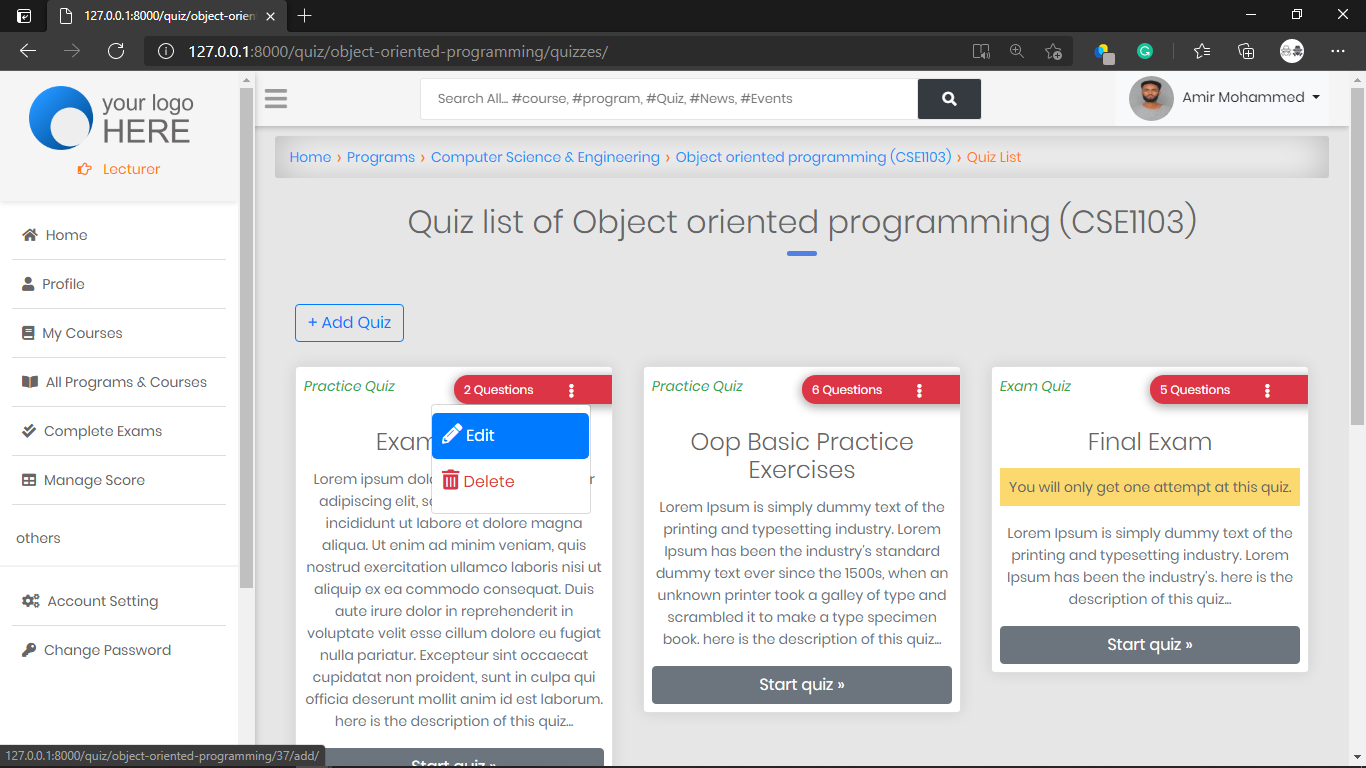
Current features
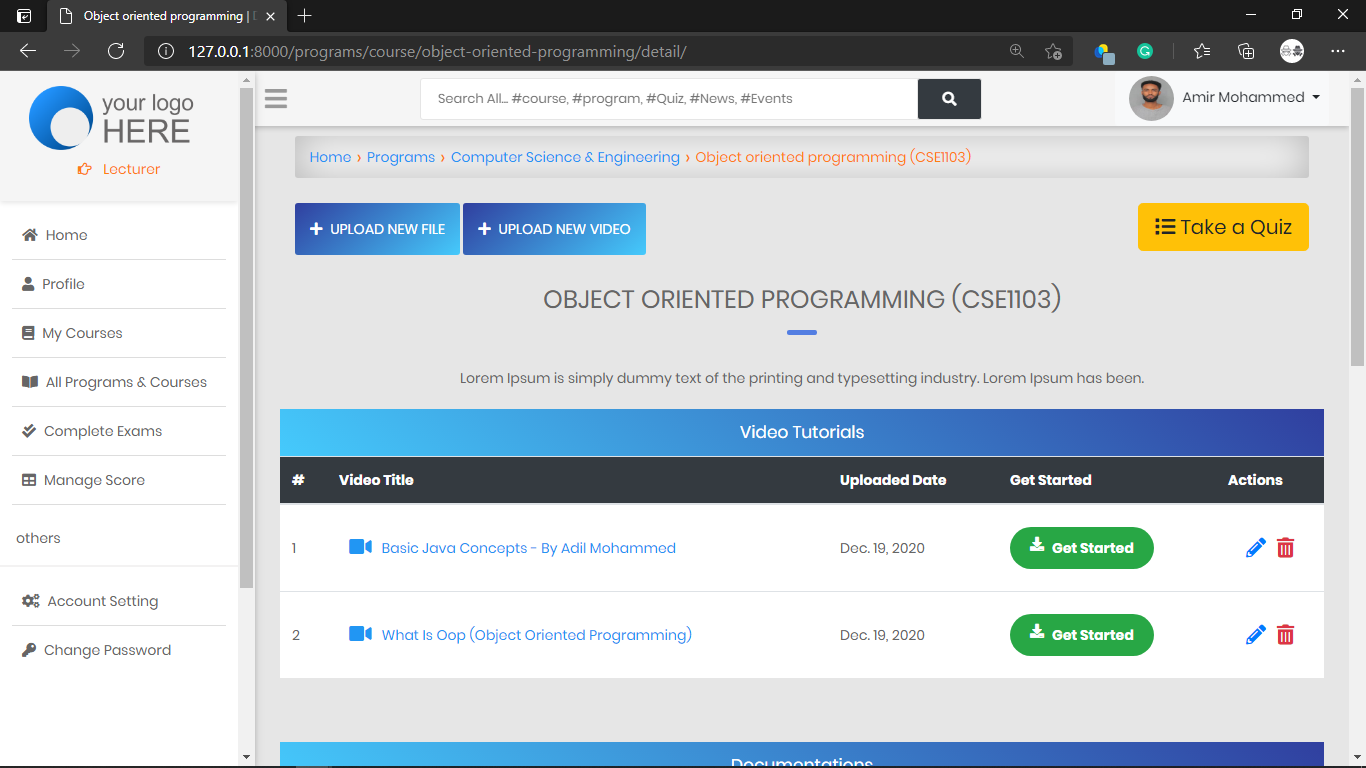
- News And Events
- The admin can Add Students
- The admin can Add Lecturers
- Students can Add and Drop courses
- Lecturers submit students score (Attendance, Mid exam, Final exam, assignment)
- The system calculates the Total, Avarage, point, and grade of each student then save it
- Also, the system tells the student whether he/she pass, fail or pass with a warning
- Assessment result
- Grade result
- Documentations
- Video Tutorials
- PDF generator for students registration slip
- PDF generator for students result
- Storing of quiz results under each user
- Question order randomisation
- Previous quiz scores can be viewed on category page
- Correct answers can be shown after each question or all at once at the end
- Logged in users can return to an incomplete quiz to finish it and non-logged in users can complete a quiz if their session persists
- The quiz can be limited to one attempt per user
- Questions can be given a category
- Success rate for each category can be monitored on a progress page
- Explanation for each question result can be given
- Pass marks can be set
- Multiple choice question type
- True/False question type
- Essay question type
- Custom message displayed for those that pass or fail a quiz
- Custom permission (view_sittings) added, allowing users with that permission to view quiz results from users
- A marking page which lists completed quizzes, can be filtered by quiz or user, and is used to mark essay questions
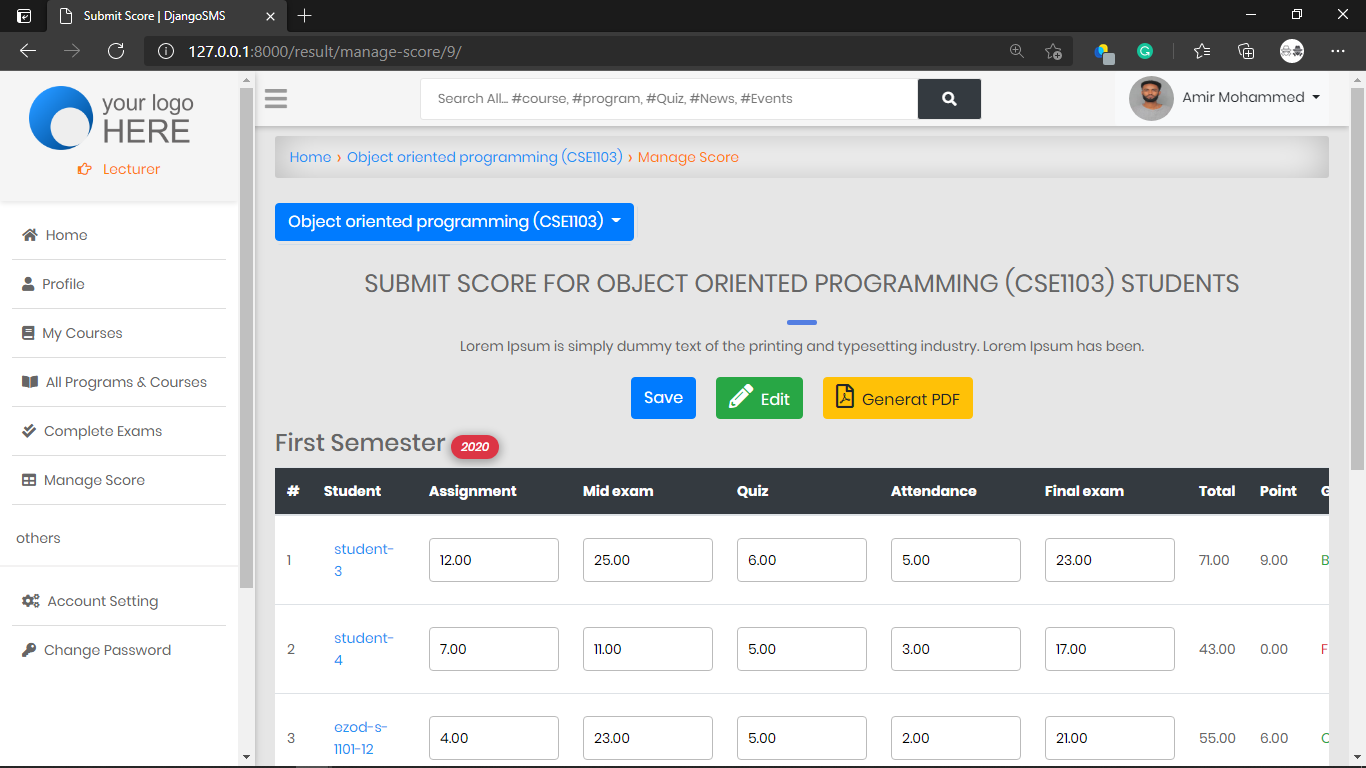
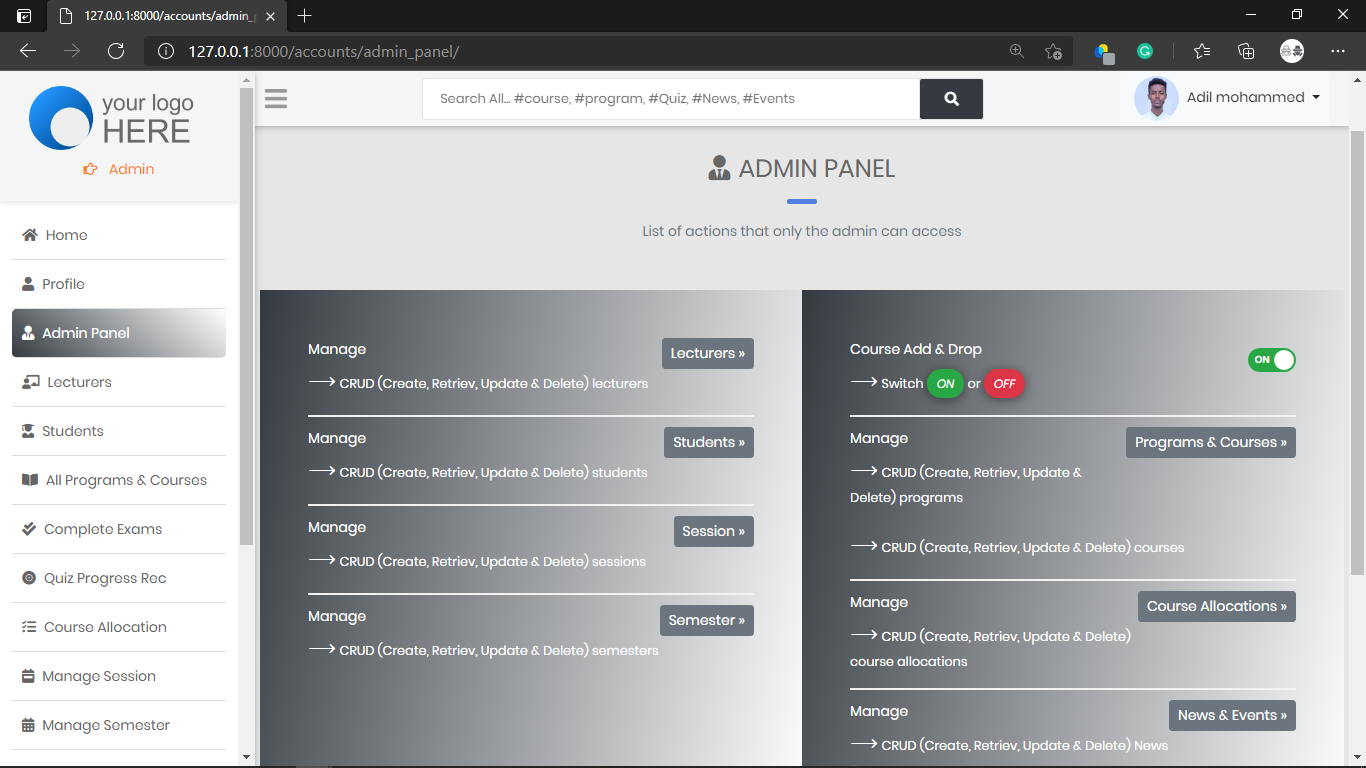
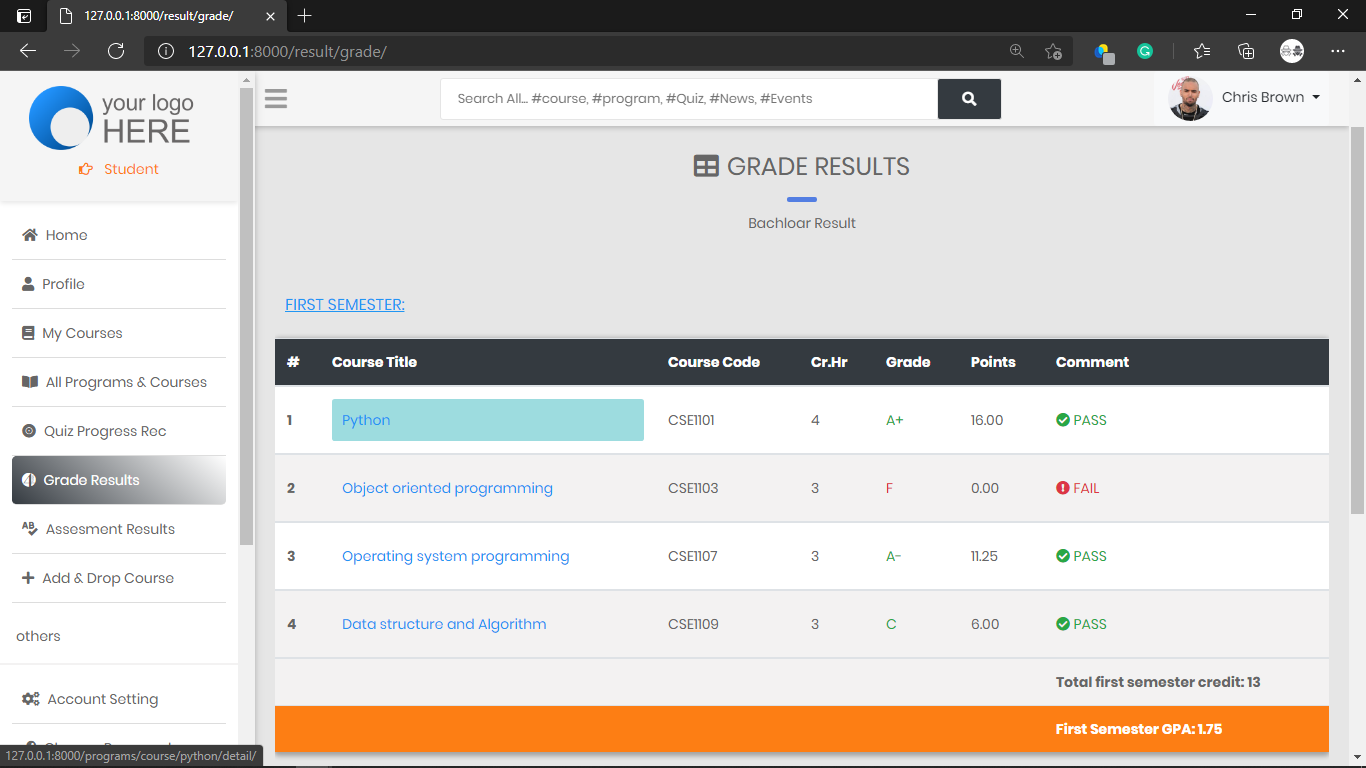
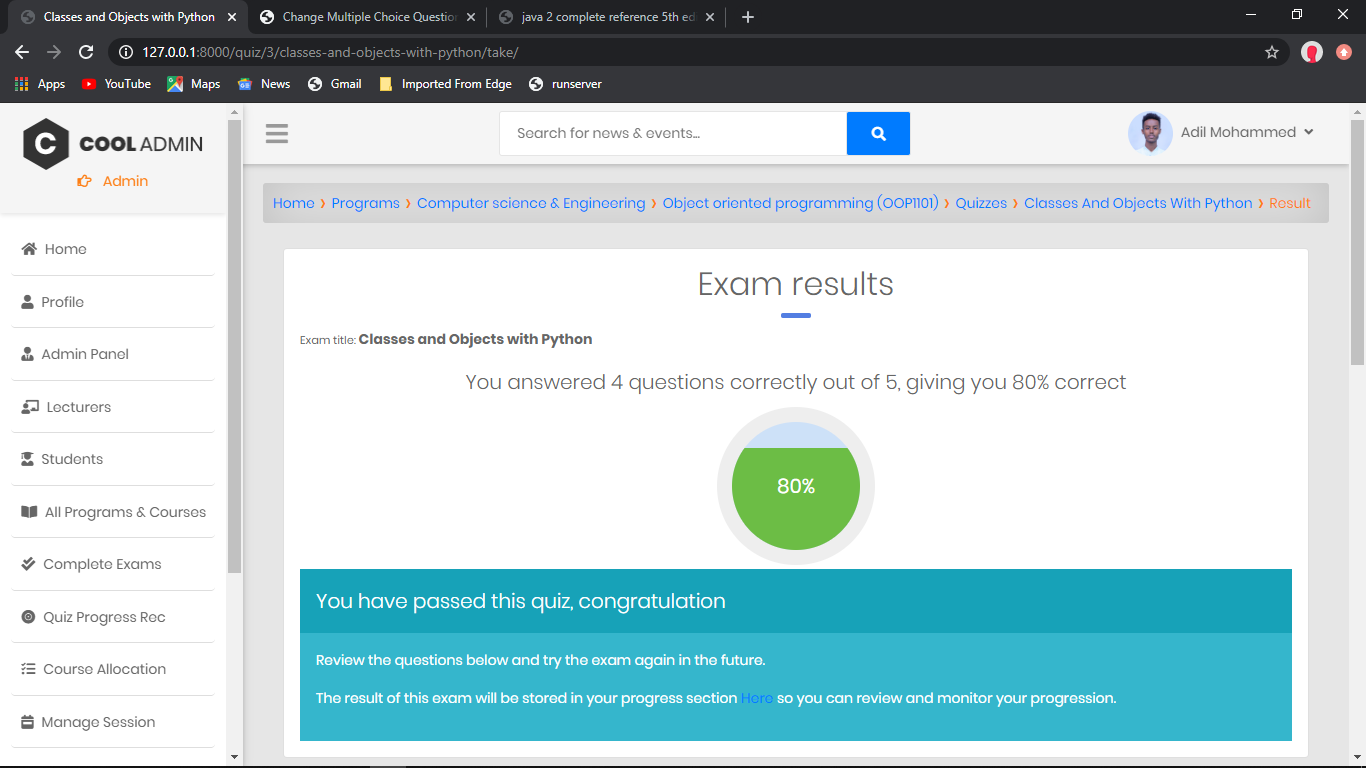
After the student finished the quiz, here is how the result display
Installation
First Clone the repo with git clone https://github.com/adilmohak/django_sms_and_e-learning.git
Run the following commands
pip install -r requirements.txt
python manage.py runserver